Star TSP100 ECO setup
|
This document covers the installation & various
options for the Star TSP100 ECO series printers
·
Windows setup
·
SportsMan Workstation configuration
·
Optional items (Adding header images, coupons,
etc)
Setup file can
be found here https://starmicronics.com/support/products/tsp100iii-support-page/
Windows Setup
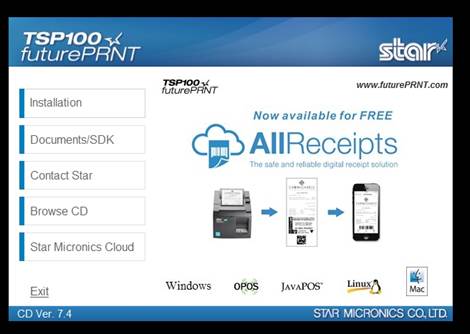
Click Install on the left.
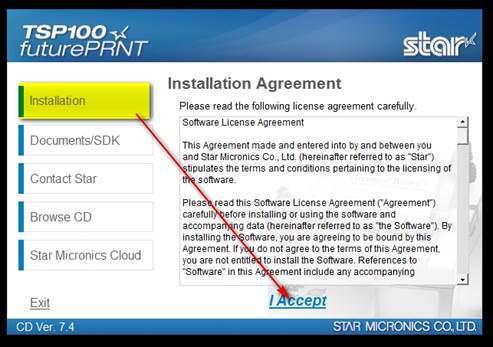
I accept.
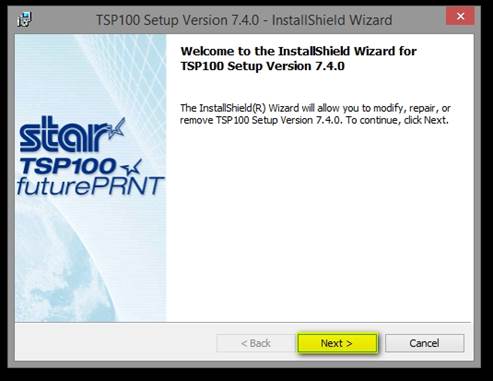
Next
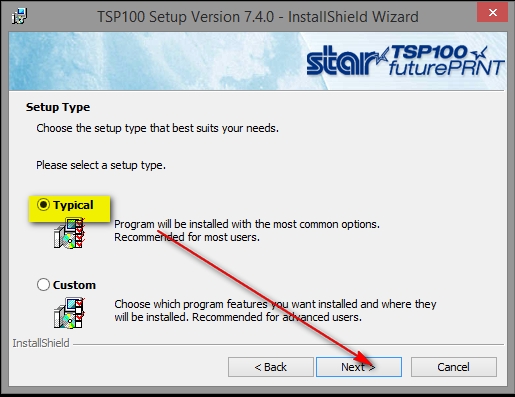
Typical, next.
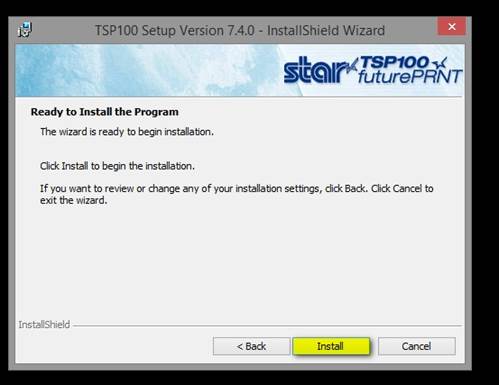
Install.
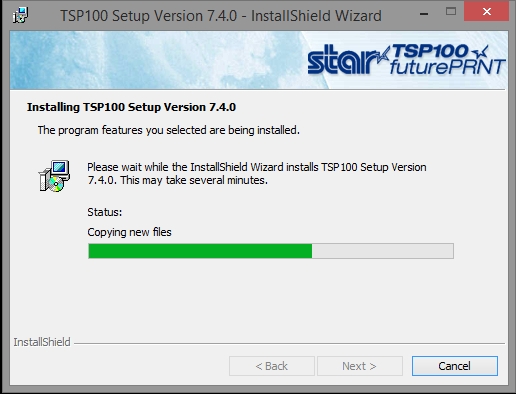
Wait.
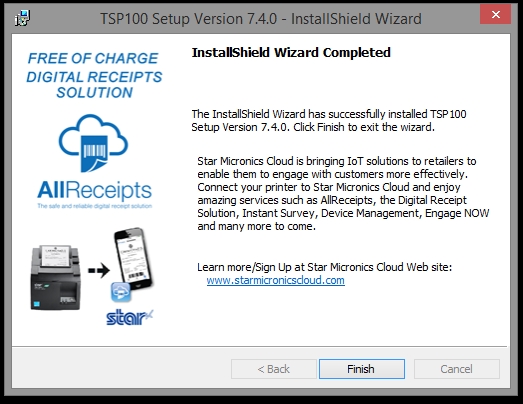
Finish.
|
|
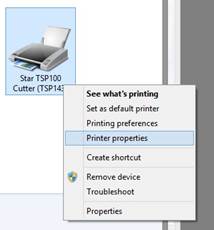
Devices & printers in windows. Properties. With newer versions, it may not appear as
above until you do the next step. Find
it, it might be in “other devices” and not show as a printer at all. Regardless, follow along here.
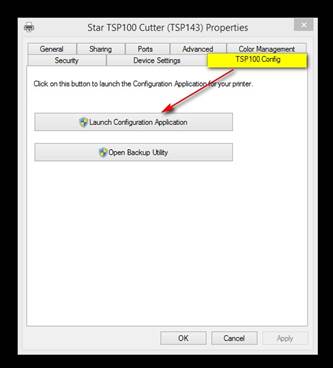
Launch configuration option.
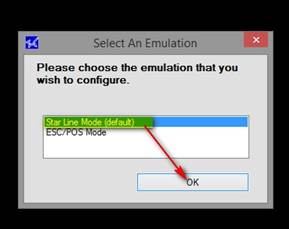
Click ok, Wait. It
will appear hung, but wait.
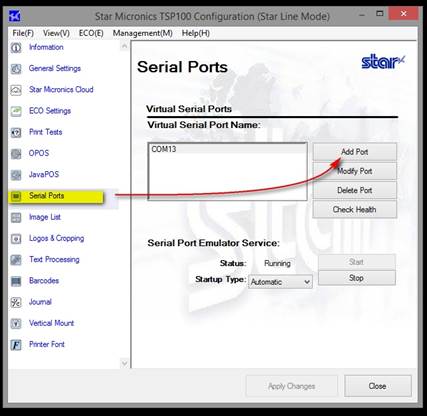
Add the port for sportsman.
Pick a com port that does not exist.
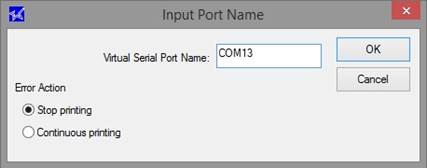
Click ok.
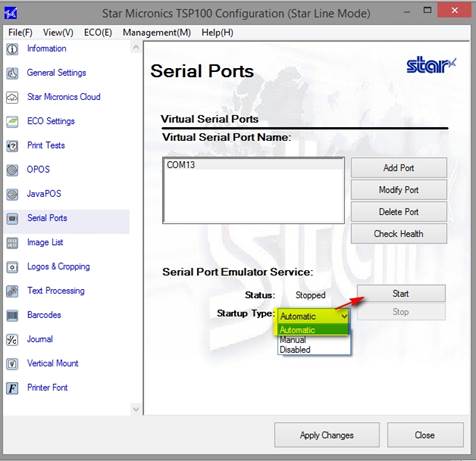
Start the port, make sure it’s
auto-start.
Next,
SportsMan Workstation Configuration
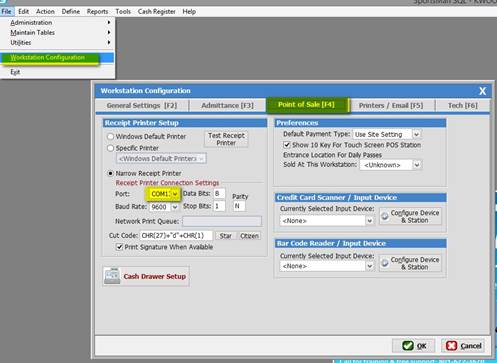
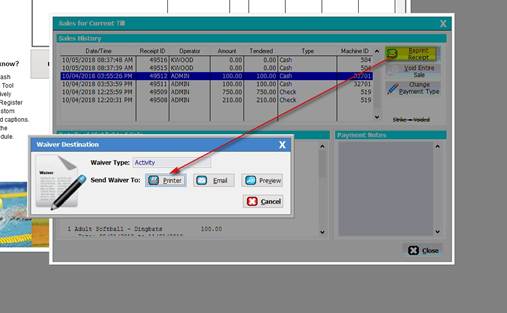
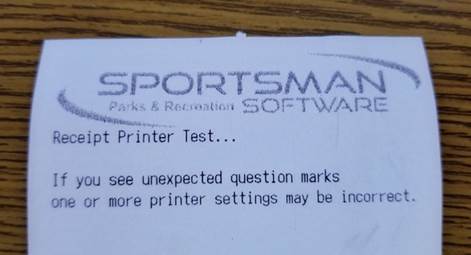
TEST, it should function and show something similar to
below:
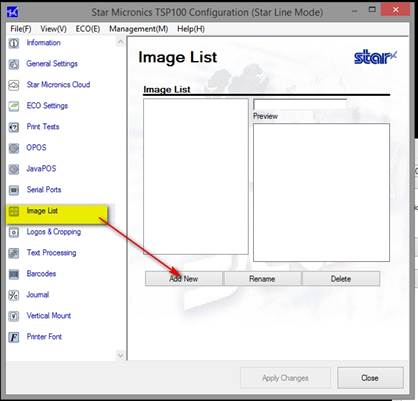
Optional
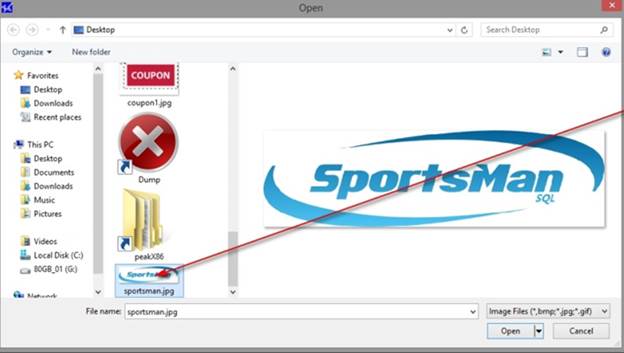
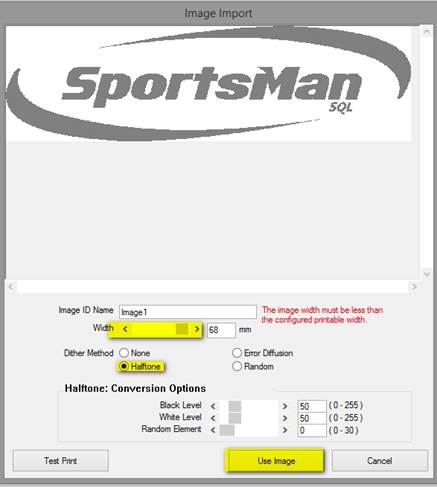
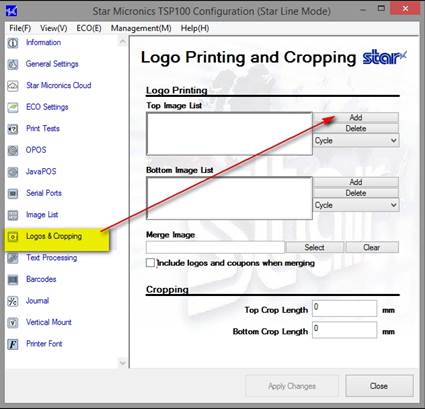
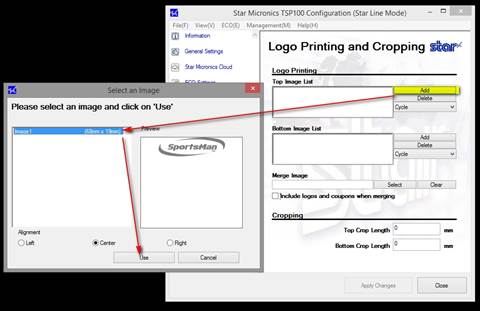
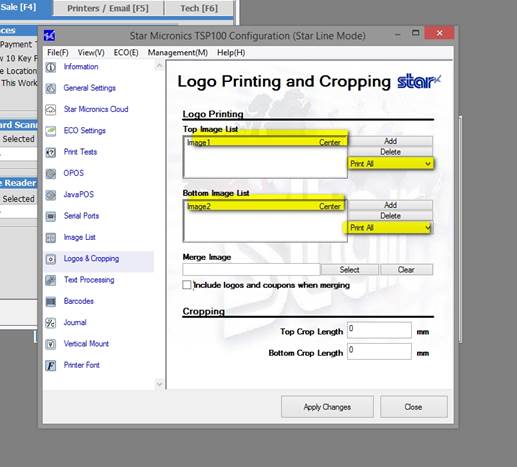
Items (Header images, footer images, etc.)